शेन्ज़ेन चेंगहाओ टीएफटी और मोनोक्रोम एलसीडी डिस्प्ले विकास और विनिर्माण प्रक्रियाएं
22 अक्टूबर, 2025


खोज...

अंग्रेज़ी
अंग्रेज़ी
 Deutsch
 Italiano
 Español
 Nederlands
 Ελληνικά
 العربية
 अंग्रेज़ी
 Türkçe
 बहासा इंडोनेशिया
 Tieng वियतनाम
 ไทย
 বাংলা
 فارسی
 Polski
 Français
 한국어
 Русский
 Português
 日本語
 Čeština
 स्वीडिश
 Dansk
 Norsk
 Suomi
 Română
 Български
 हंगेरियन भाषा
 O'zbekcha
 Bahasa Melayu
 Српски
 Hrvatski
 Azərbaycan डिलि
 Slovenčina
अंग्रेज़ी
अंग्रेज़ी
Deutsch
Italiano
Español
Nederlands
Ελληνικά
العربية
अंग्रेज़ी
Türkçe
बहासा इंडोनेशिया
Tieng वियतनाम
ไทย
বাংলা
فارسی
Polski
Français
한국어
Русский
Português
日本語
Čeština
स्वीडिश
Dansk
Norsk
Suomi
Română
Български
हंगेरियन भाषा
O'zbekcha
Bahasa Melayu
Српски
Hrvatski
Azərbaycan डिलि
Slovenčina
Anyone who has specified touch screens for embedded HMIs long enough has probably fallen into this trap. Everyone around defaults to capacitive panels, because phones and modern consumer gear use them. Yet plenty of projects would have shipped cleaner, cheaper and more stably with a resistive panel — and the reverse is just as common.
This is not a “which one is better” article. There is no universal winner. It all comes down to who is touching it, what environment it lives in, and what your MCU and UI are built to handle. What follows are the real-world trade-offs that keep resurfacing on industrial, handheld, medical and field-mounted hardware — in the order they usually decide a project.
Resistive touch relies on pressure. Two thin conductive films sit separated by tiny spacer dots. Press hard enough and the layers make contact; the controller reads the voltage split and calculates the touch coordinate. It does not care what presses it: bare finger, nitrile glove, plastic stylus, even the back of a screwdriver handle. That indifference is its superpower.
Capacitive (PCAP, projected capacitive) works differently. It maintains an electrical field across a sensor grid, and a conductive object near that field disturbs it. The controller measures the disturbance. It is light, responsive and excellent for gestures, but it only triggers reliably on conductive input. Work gloves and hard plastic styli generally will not register unless the firmware and sensor stack are specifically tuned for them.
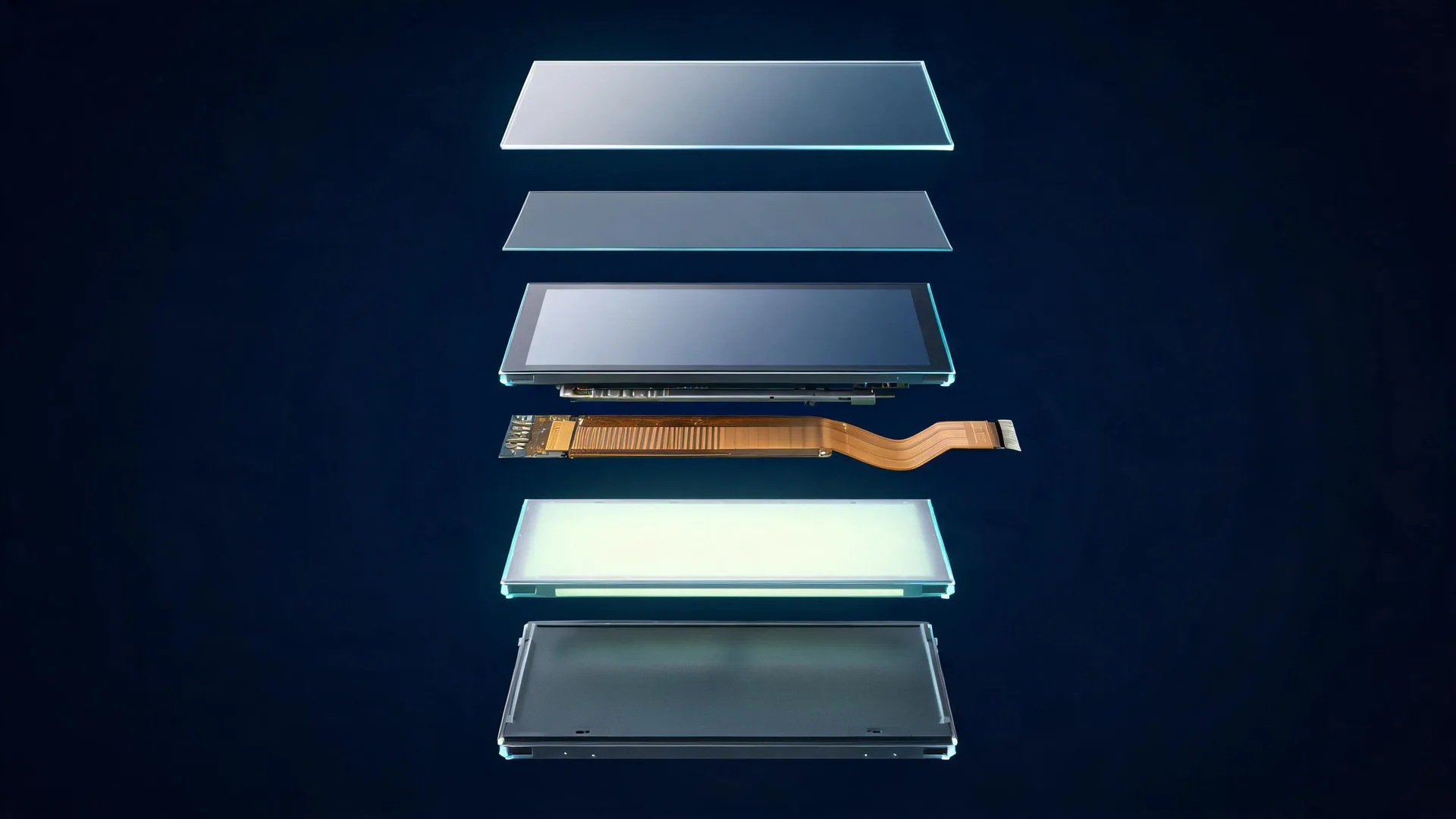
The physical difference that matters most in practice is the air gap. A resistive panel has two films with a gap between them; a capacitive panel bonds a sensor to a solid glass front. Almost every downstream difference — optical transmission, impact behaviour, water tolerance, EMI sensitivity — follows from that one structural fact.
This is where most engineers get stuck — and where the usual shorthand causes expensive mistakes.
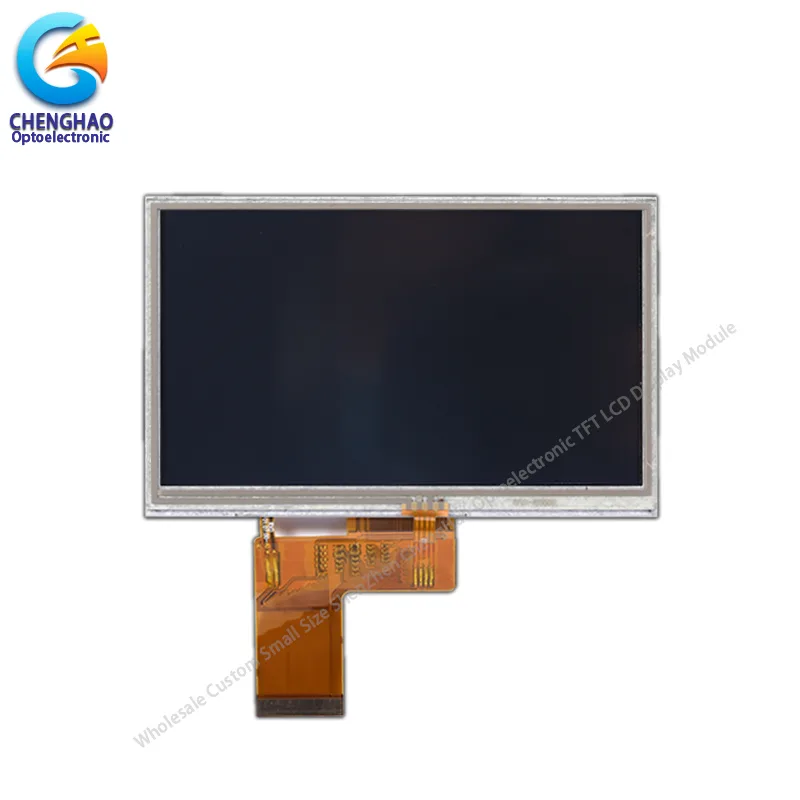
डिस्प्ले स्क्रीन का सामने से दृश्य
|
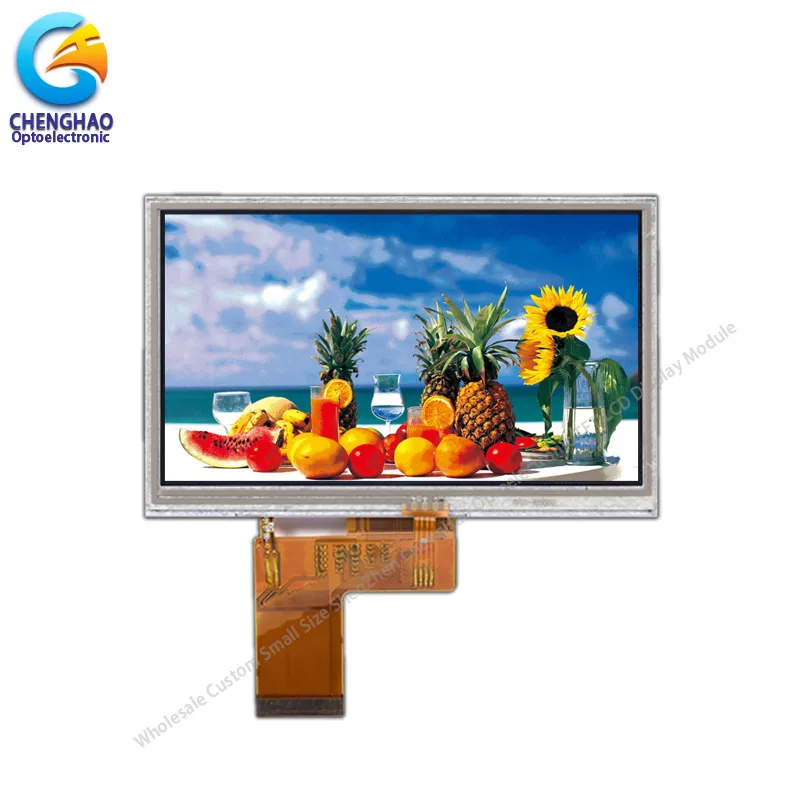
डिस्प्ले स्क्रीन का चालू स्थिति वाला दृश्य
|
| CH500WQ03A-T – 5.0 inch – TFT LCD | |
“Gloves” is not one condition, it is a spectrum, and the spectrum has a threshold in it:
Two practical warnings about glove-tuned PCAP. First, performance is tied to that glove: change the thickness, the knit, or the PPE supplier, and a marginal tuning becomes an intermittent one. Second, it is never guaranteed across production batches — units that pass on the bench can drop touches on the line. The tuning is also locked in, so every future firmware change has to preserve it.
Resistive simply works here. Press with a gloved hand and it registers, with no tuning required. That is why older factory औद्योगिक एचएमआई पैनल still run resistive touch, and for good reason. The trade-off is that the operator has to apply firm pressure — a light brush will not register — which matters on a vibrating platform or when a hand is braced against the housing.
Capacitive panels are almost always built around solid cover glass. Light transmission is higher, colours look sharper, viewing angles stay consistent. AG, AR and AF coatings sit naturally on top glass. The surface feels smooth like a commercial touchscreen, scratch resistance is solid, and it tolerates repeated tapping without permanent marking.
Resistive panels use a flexible PET top film over a coated glass substrate. Light transmission is lower because of the extra interface and the air gap, so contrast takes a measurable hit and strong ambient light is harder to fight. If users press the same spot thousands of times, permanent dimples or dead zones develop — and the first place to go is usually wherever the confirm button sits. The film is also easier to score or puncture than glass.
That said, for many cost-sensitive indoor industrial units the optical drop is entirely acceptable, and a resistive panel that never fogs internally has an advantage over a badly bonded capacitive one. Optical performance is a specification, not an automatic win.
Virtually all standard resistive modules are single-touch only. No pinch zoom, no two-finger rotate, no multi-point gestures at all. That is not a flaw, it is inherent to the measurement method: the panel reports one contact point, so the firmware has nothing else to parse.
There is a second consequence worth stating plainly: resistive has no palm rejection. A hand resting on the screen is indistinguishable from a deliberate press, because both are simply pressure. If operators brace themselves on the housing, or work in a position where a forearm crosses the display, that becomes a real design constraint.
Capacitive natively supports multi-touch, usually five or ten points. That unlocks gesture control, but it also adds work: palm rejection, accidental touch filtering and extra controller logic all have to be configured and validated. If your UI consists of buttons, numeric entry and single-point selection, multi-touch is complexity and cost you do not need.
This one surprises a lot of teams.
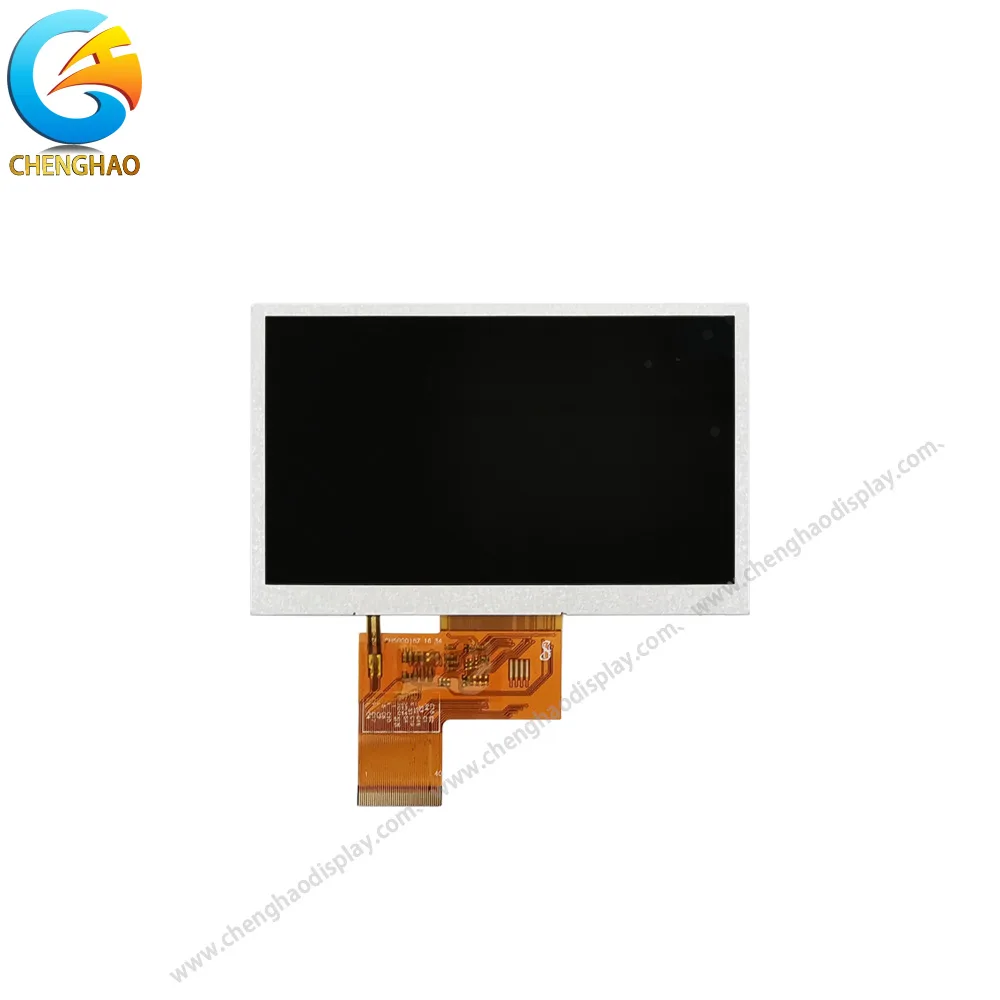
डिस्प्ले स्क्रीन का सामने से दृश्य
|
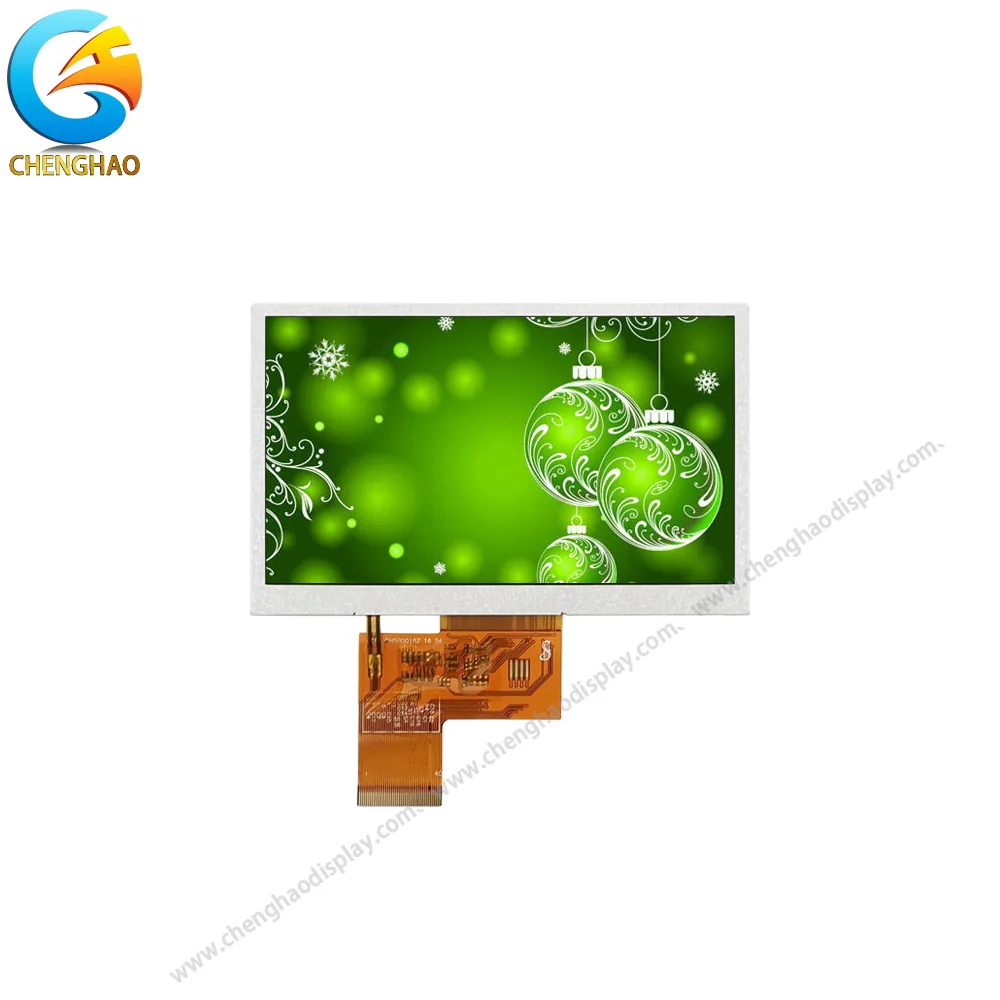
डिस्प्ले स्क्रीन का चालू स्थिति वाला दृश्य
|
| CH500WQ03B – 5.0 inch – TFT LCD | |
Capacitive sensors are sensitive to electrical noise, because the quantity being measured is tiny. Switching power supplies, nearby motor drives and long FPC cables can all produce false touches or jitter. The controller can be tuned to reject that noise, but the tuning takes engineering time — and it has to be done on the real assembly, not on an isolated bench.
Water is a separate variable. Well-tuned PCAP can do water rejection, but it is never automatic, and it competes directly with glove sensitivity — both are achieved by adjusting the same detection thresholds, so improving one degrades the other. Poorly tuned units turn a pool of water into a stream of ghost touches.
Resistive is far less vulnerable to EMI, because pressure detection does not depend on sensing an electric field. But standing water on the surface physically pushes the top film down and produces a false press. Grease and dust trapped between the two layers cause intermittent faults that slowly get worse. Resistive is robust in this environment, but it is not immune — it fails differently.
Resistive touch controllers are straightforward. Many use simple 4-wire or 5-wire analogue interfaces, which port onto old 8-bit MCUs and legacy hardware with very little effort. Calibration is needed occasionally, but the code footprint is tiny and the behaviour is easy to reason about.
PCAP almost always runs I2C or USB HID, with Goodix, FocalTech and similar controllers dominating. Drivers are mature for STM32, ESP32 and Linux, but you still have to handle initialisation sequences, register tuning, noise filters and firmware revisions. Swap the touch IC later and the driver may break entirely. That overhead is real, and it lands on whoever owns the firmware.
Power draw differs as well, which matters on battery-powered handhelds. A resistive panel is measured essentially on demand, while a capacitive panel scans continuously — and scan rate is a direct trade-off against both response time and current consumption. A high scan rate for a snappy feel is paid for out of the battery budget.
For smaller custom projects, resistive modules usually come in cheaper. The controllers are simple, the supply chain is mature and MOQs are often flexible. For a low-volume retrofit of existing equipment, that combination saves a great deal of friction.
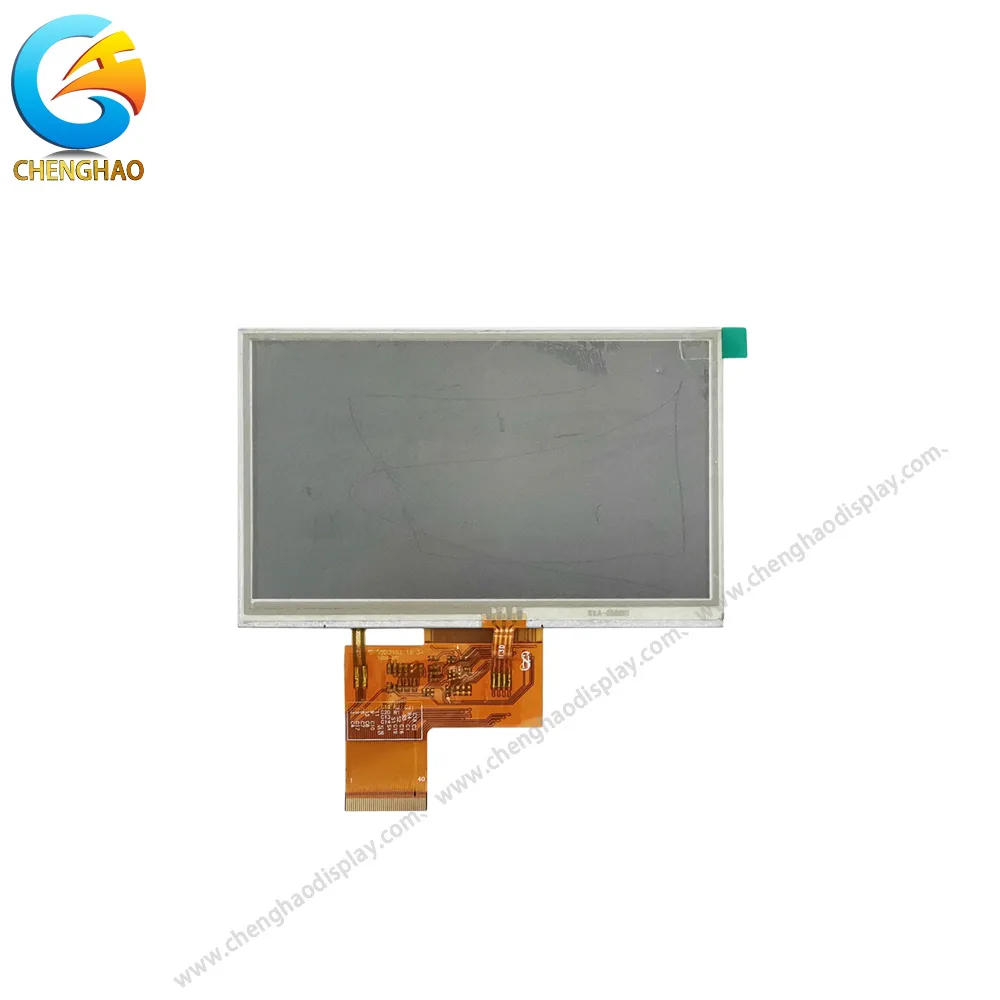
डिस्प्ले स्क्रीन का सामने से दृश्य
|
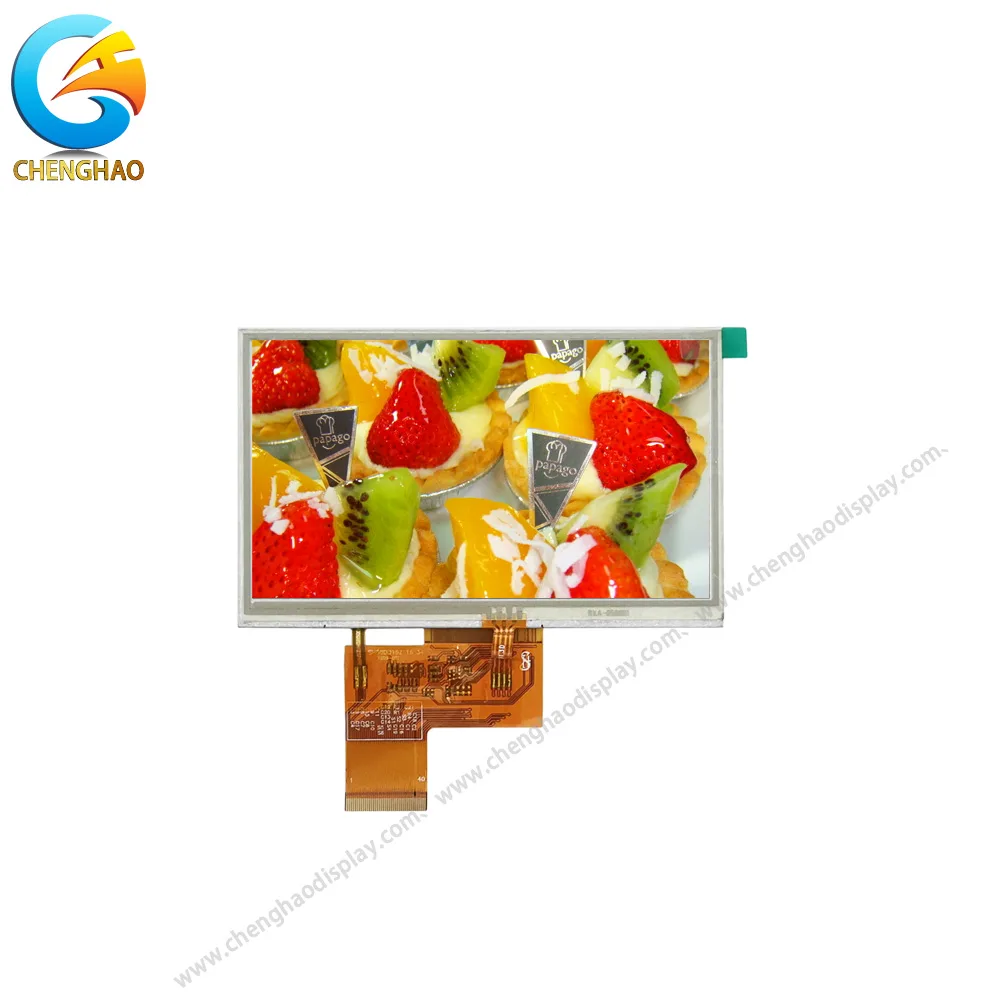
डिस्प्ले स्क्रीन का चालू स्थिति वाला दृश्य
|
| CH500WQ03B-T – 5.0 इंच – TFT LCD | |
Capacitive glass stacks, custom tuning work and qualified controllers all push the price up. Stock PCAP modules are widely available, but the custom-tuned ones add both engineering cost and lead time. That is a fair trade for a high-end user-facing product, and overkill for a simple control panel.
Long-term supply deserves a separate question, because the two technologies fail differently. A resistive module is largely a passive assembly of film and glass, so the risk sits in the film supplier and the adhesive. A capacitive module depends on an active controller IC, and controller ICs get revised or discontinued on a schedule you do not control. For a product with a seven-to-ten-year service life, ask for the PCN policy and the controller part number in writing before you commit.
Choose resistive when:
Choose capacitive (PCAP) when:
One caveat on both lists: they are starting points, not verdicts. A single hard constraint — freezer gloves, washdown, a seven-year service life — can override everything else on either side.
चेंगहाओ डिस्प्ले supplies both resistive and capacitive touch modules paired with TFT displays for custom embedded HMI builds. Many customers arrive assuming they need PCAP; once the operating environment and user workflow are on the table, resistive often turns out to be the smarter fit. The reverse happens just as often.
The team does not push one technology over the other. The review covers enclosure stack, glove requirements, noise sources, host MCU and UI plan. On a resistive project, that means confirming 4/5-wire controller specifications, calibration routines and film quality. On a PCAP project, it means cover glass tuning, noise filtering, and water or glove support where required, followed by a locked BOM and controller firmware for production.
The failure pattern is familiar in both directions. Projects burn weeks debugging a capacitive panel inside a noisy factory when a resistive screen would have worked out of the box; other products ship with clunky, press-heavy interfaces when responsive PCAP was the obvious answer all along. The difference is almost always which questions were asked before the first PO.
Q1: When is resistive touch the better choice?
Resistive touch suits applications that need reliable operation with thick or freezer gloves, simple single-point input, compatibility with legacy host hardware, lower project cost and reduced sensitivity to electrical noise. The trade-off is that operators must be willing to apply firm pressure, and the panel offers no multi-touch and no palm rejection.
Q2: When should a capacitive touch panel be selected?
Capacitive touch suits interfaces that need multi-touch gestures, a smooth glass front and long-term surface durability under heavy daily use. The product team should also be prepared for controller tuning and integration work, and should confirm that the chosen controller can be retuned for the final cover lens and electrical environment.
Q3: What factors should be evaluated before choosing a touch technology?
Evaluate the input object and glove thickness, room for gestures, optical targets, electrical noise sources, water exposure, host interface, firmware resources, expected service life, production volume and total integration cost. The operating workflow should drive the decision, not consumer-device convention.
Q4: Do thin gloves still work with a standard capacitive panel?
Usually yes. Thin nitrile or latex gloves around 0.1 mm add very little dielectric distance and generally couple well enough for a standard PCAP panel. The failure case is thick, dry knit or leather gloves at 3–5 mm, where the glove itself sits between the finger and the sensor and attenuates the signal below the detection threshold.
Q5: Which option is easier to keep supplied over a long product life?
They carry different risks. A resistive module is largely a passive film-and-glass assembly, so exposure sits with the film supplier and the bonding adhesive. A capacitive module depends on an active touch controller IC, and controller revisions or discontinuations can force a firmware and tuning change. For long-life products, ask for the PCN policy, a locked controller part number and a documented last-time-buy window.